This week, we were back at BVMC.
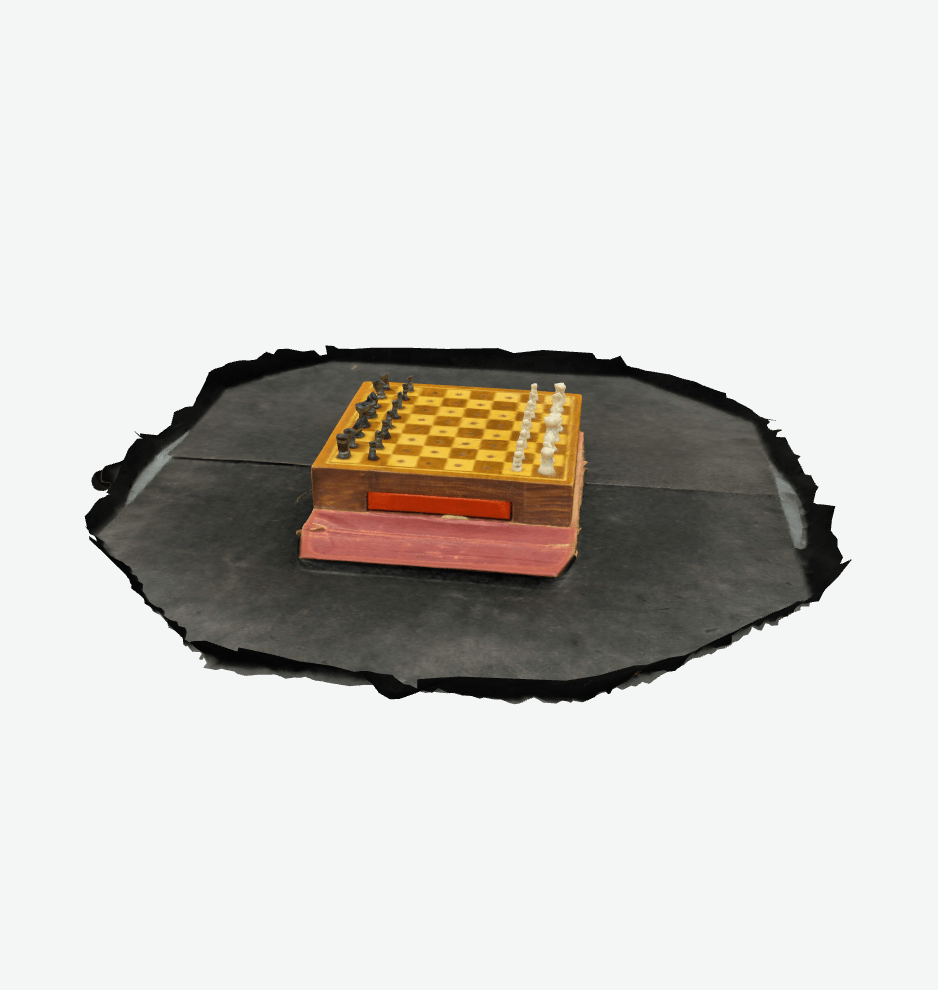
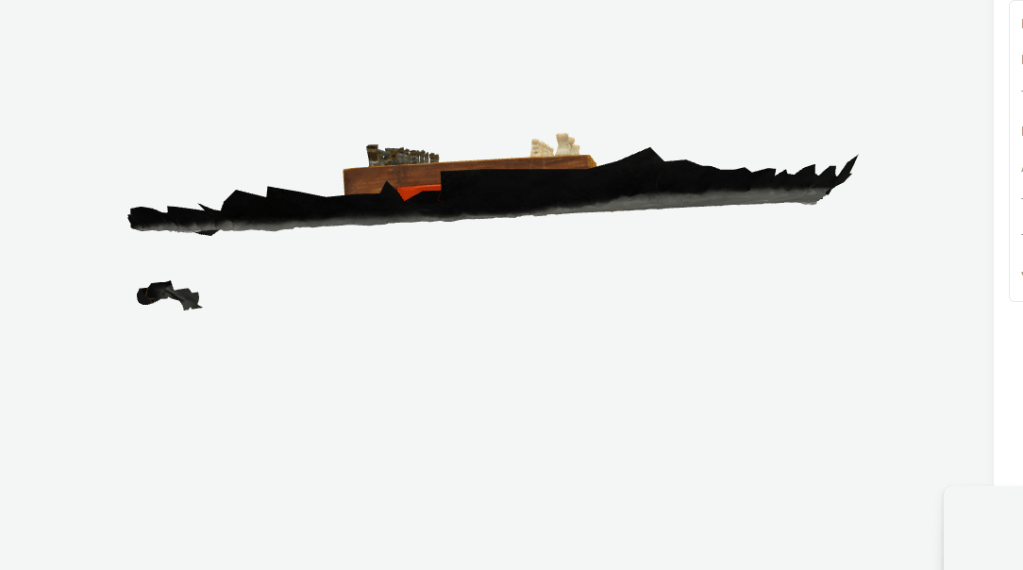
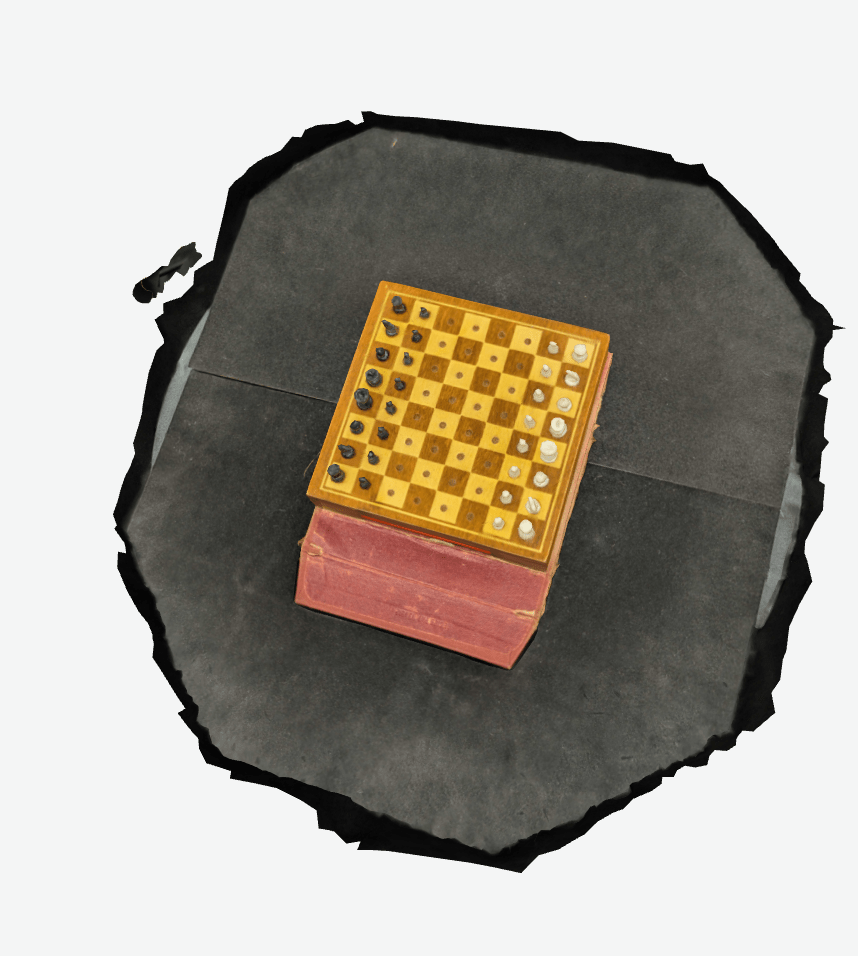
We photographed a handful of objects this week: a heavily painted World War I helmet, some toothpowder, a tiny chessboard, a more modern US Army helmet, a World War II canteen, and a brick.
For some of the objects, we did traditional photography and Agisoft Metashapebased photogrammetry as described in previous weeks and photography within Kiri Engine – for one object we even did a video, which Kiri Engine can also convert to a model. For Kiri Engine, I tried both photography within the app as well as uploading my “proper” photographs into their web version.
The World War I helmet is interesting.
This (should be?) a link to its model on Kiri Engine. I did photography on both sides of the object (flipping it midway through) and uploaded the maximum allowed into Kiri Engine.
The model is good – it shows the inside and the outside of the helmet fairly well. But it isn’t as high a resolution of as the model I made on Metashape, which for the moment I haven’t successfully merged cleanly yet.
So that’s a point in favor of metashape for quality, but I suppose a bigger point in Kiri Engine’s favor if I can’t manage to merge the models successfully in Metashape yet. The below photos are of the model in progress in Metashape.

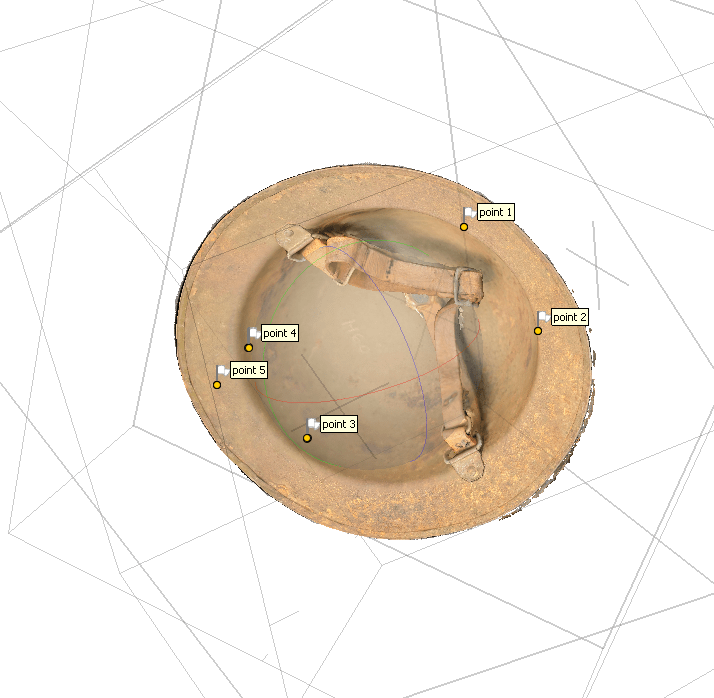
Interestingly, the files are considerably higher resolution and clarity within metashape than they are once exported to Sketchfab, which are in turn higher resolution than the Kiri Engine files in Sketchfab. I am struggling with steps in Metashape where I am clearly not understanding the process along the way – I keep having various points where I thought I’ve deleted data come back at a later stage in the process, or where I’m not able to export a merged model and am only finding a single “chunk” of the model (eg, I’m only getting the top view, or only the bottom view, not the combined chunk which should have both).
Let’s hit the bricks.
The BVMC has a brick in its Vietnam case. The brick is from the Hỏa Lò Prison, perhaps more widely known as the Hanoi Hilton.
We made a model of the brick. This model was actually made in Kiri Engine, and it came out pretty great – I have not yet gone and also made a version in Metashape. Instead, I took the Kiri Engine Version and cleaned it up in Blender, which is a free, open source 3d creation software suite. I had not used Blender before.
First is the model without any processing – this is simply how Kiri spit it out.
You can see, particularly toward the bottom of the brick, remnants of the surface on which I sat the brick to do the photography. I imported the files of this model into Blender, and then used various tools within Blender to delete those extraneous points.
This wound up with a much cleaner model, now free of all of those points of bad/irrelevant data.
Blender may eventually be the key toward better models, regardless of which software was used to create them. I’m having difficulty importing files into Blender and having them appear in the workspace, but I think I can likely find a few training videos about proper Blender operation that will help clear these issues up.
I have also tasked Trent with editing some of the models he made in Blender (like the tooth powder) to try and clear those up and delete extraneous data points.
This week at BVMC has also continued to reveal some of the difficulties in working at institutions with multiple stakeholders – it has been hard for us to have a dedicated workspace, as another unrelated agency which uses BVMC space has been unwilling to give up a meeting room which BVMC has assigned to us on these days. Next week we’re going at a different time, and have been told this will be less of an issue.
we shall see.

 E.C. Thompson - Historian
Leave a comment